Assistive Technology
AAC on the Go: Cases, Mounts, Battery Life and Access Questions
Check that the communication system is usable throughout an outing, from travel to conversation.
Archive edition: 28 August 2026 · assigned for archive organisation

An AAC system that works well at a desk may need a different arrangement on a bus, at a café or during a community activity. Portability is not just about carrying the device. The communicator needs to be able to reach it, use it comfortably and make their message available when a conversation happens.
Plan around the places the person actually goes. This guide offers questions about cases, positioning, charging and support to discuss with the communicator, their AAC team and the equipment supplier. It does not recommend a particular accessory or provide instructions for mounting equipment to a wheelchair or other mobility device.
Map an ordinary outing
Choose one familiar trip and follow it from leaving home to returning. Where does the person communicate? Consider meeting a driver, asking a question at a desk, talking with a friend and responding to an unexpected change. Include waiting and travelling, not just the main destination.
For each point, ask where the device will be and how it will be brought into use. A tablet may be protected inside a zipped bag but unavailable at the moment someone asks a question. If assistance is wanted, identify who provides it and how the communicator requests it.
AssistiveWare’s guidance on keeping AAC available discusses charging, paper alternatives and accessories as parts of everyday access. It is vendor-authored guidance, not independent testing of cases or mounts. Use it to prompt questions about availability rather than as proof that an accessory is suitable.
Compare cases and carrying arrangements
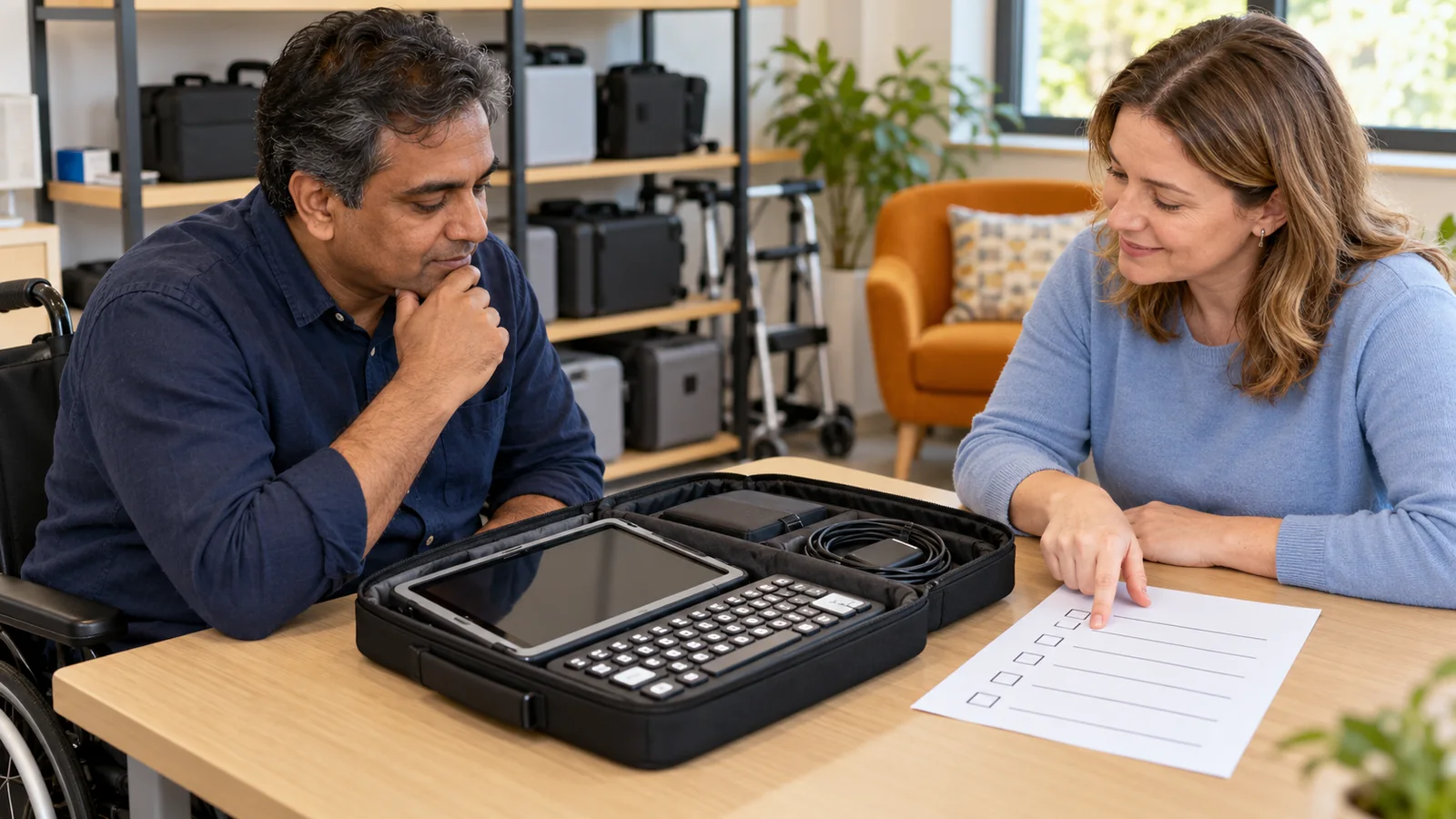
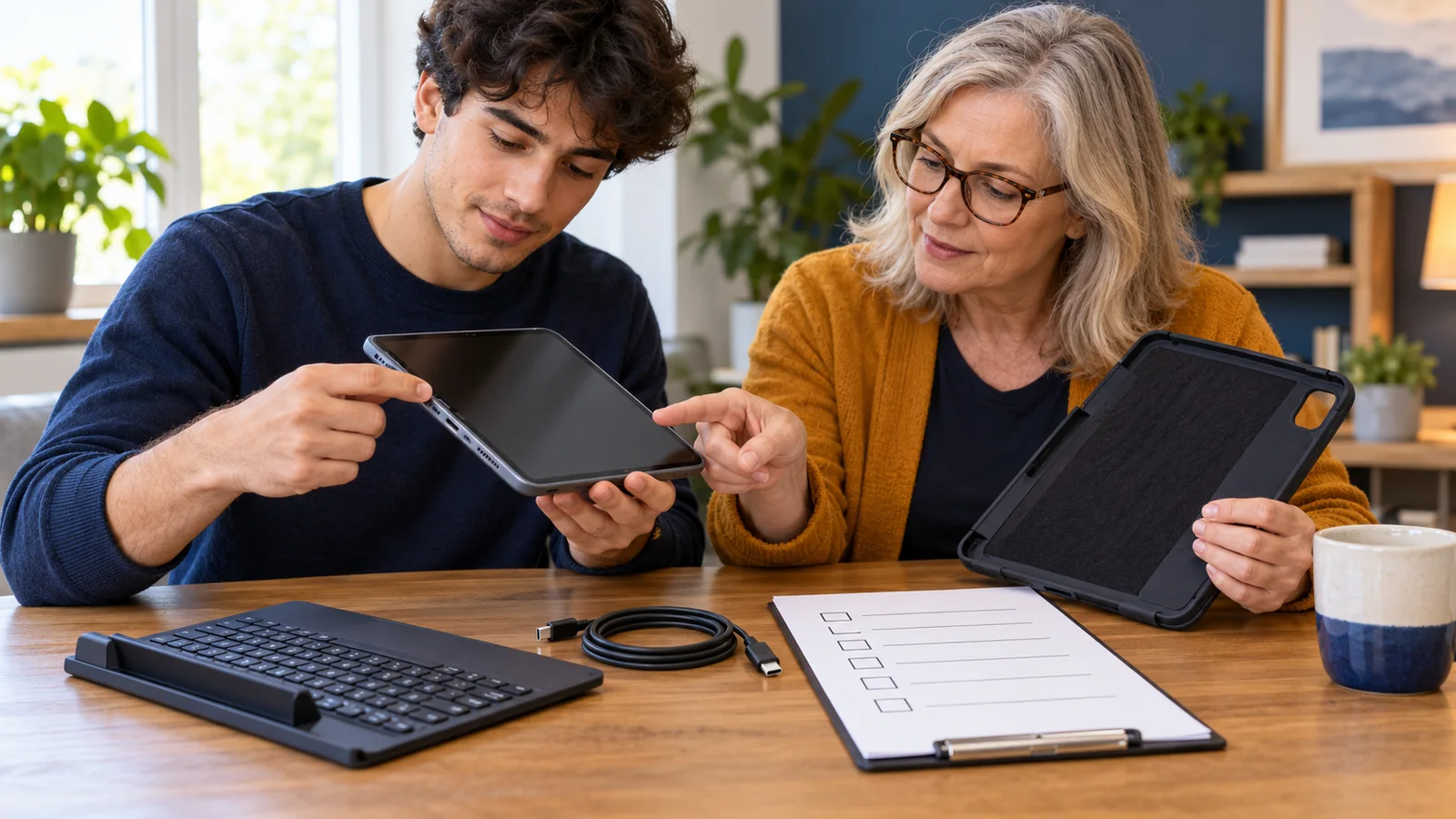
Check the exact device model and accessory compatibility. A case designed for a similar-looking tablet may cover a port, camera, speaker or control differently. Ask whether the case changes how the person selects items, hears output or connects their access equipment.
Try the weight and size of the complete setup. Include the case, stand and any items normally carried with it. An accessory that protects equipment may also make it harder to lift or position. Ask the communicator what feels workable rather than choosing solely on a drop-test video or a durability claim.
Discuss carrying options with the relevant professional when movement, posture or safety is involved. Do not improvise straps, harnesses or attachments from a photograph. Follow the manufacturer’s instructions and ask about compatibility with the person’s other equipment and ordinary activities.
| Area | What to check | Who may help answer |
|---|---|---|
| Case and stand | Fit, controls, sound, weight and stable use | Communicator, supplier and AAC team |
| Positioning | Reach, viewing angle and access in each setting | Appropriate therapist or equipment specialist |
| Power | Usable charge, compatible equipment and charging opportunities | Device supplier and person managing the routine |
| Communication | Vocabulary, output and partner response during the trip | Communicator and communication partners |
| Backup | A familiar alternative that is actually available | Communicator and AAC team |
Check positioning and access in the actual setting
A stand that works on a broad desk may not work on a narrow table. Glare, seating height and the distance from the screen can change too. Try the relevant environment where practical and record the particular issue: “screen moves when selected” is more useful than “outdoor use is difficult.”
ASHA’s AAC Practice Portal includes positioning, accessories and portability in feature matching. Ask the team how those factors apply to the person’s usual activities. The article does not establish safe installation requirements for any specific mount.
The Communication Health Support Association’s AAC overview describes collaboration between speech-language pathologists and other professionals, including occupational and physical therapists. This can be relevant when communication access depends on movement or positioning. Ask which expertise is needed rather than expecting one person to guess across every equipment question.
If the setup attaches to a mobility device, obtain advice from the appropriate equipment professional and supplier. Ask about access, transfers, transport and how the attachment is managed when circumstances change. Do not infer safety from the fact that a clamp can physically fit.
Plan power and upkeep
Check the device’s current charge and how it performs during a typical day of actual use. A manufacturer’s advertised battery duration may not reflect the person’s settings, accessories or usage. Record the model and conditions when asking the supplier about expected performance.
Use compatible charging equipment and follow the device manufacturer’s safety guidance. Ask whether any proposed portable power source is supported before buying it. This guide does not test chargers, batteries or power banks and cannot confirm electrical compatibility.
Agree on a charging routine that preserves communication access. If the device is charging in another room while the person needs it, the routine has left a gap. Discuss a suitable location or alternative arrangement rather than assuming overnight charging always resolves every situation.
Ask who checks the case, stand and connections for damage and who contacts the supplier if something changes. Do not continue using a visibly damaged charging component or improvise a repair. Keep the relevant support information somewhere it can be found without relying solely on the affected device.
Prepare the trip and review what happened
Before an outing, check the practical items the person wants: the usable device, any necessary access equipment, an appropriate backup and the relevant contact or repair information. Avoid turning this into a large compulsory kit that makes ordinary participation harder.
In a fictional example, Amira takes her AAC tablet to a weekly art group. A new protective case fits the tablet but makes its usual stand unstable on the group’s small tables. Amira and her support team record the problem and ask the supplier about a compatible setup. They also agree where her paper backup stays during the visit. The solution addresses the actual setting rather than labelling the activity unsuitable.
- Trace. Identify where communication will happen during the trip.
- Test. Check the complete setup in relevant positions and settings.
- Prepare. Confirm power, wanted assistance and a usable backup.
- Adjust. Review one practical difficulty and agree on the next change.
Ask the communicator what worked and what felt inconvenient after the trip. A helper may think the equipment was easy to carry while its user found it slow to retrieve. Keep both observations visible and prioritise communication access in the next adjustment.
Common questions
Is a rugged case always the best option?
Compare protection with weight, access to controls, sound and compatibility with the person’s stand or mount. A protective claim does not answer every usability question. Ask for a trial or return information where available and check the exact device model before purchasing.
Can the device stay in a backpack until someone asks for it?
Ask whether the communicator can access it when they want to initiate a conversation, not just when another person prompts them. If help is needed, agree on a usable request method and prompt response. Storage should not become an unnecessary barrier to speaking up.
Should we buy a neck strap or harness?
Discuss the person’s movement, comfort and safety with the appropriate professional and supplier. Follow product instructions and avoid improvised arrangements. This guide does not assess whether a wearable carrying accessory is safe or suitable for a particular person.
What if the screen is difficult to see outside?
Describe the conditions and ask about supported settings, positioning or alternative access options. Check the result with the communicator in a realistic setting. Do not assume a brighter setting solves every issue, and include a familiar backup where the usual display remains difficult to use.
Can any power bank charge an AAC device?
Do not assume compatibility from the connector shape. Check the device manufacturer’s requirements and ask the supplier about the proposed power source. Confirm how any access accessories affect the arrangement before relying on portable charging during a long outing.
How do we know the battery will last?
Observe normal use and discuss unexpected changes with the supplier. Keep a realistic charging and backup plan rather than relying only on an advertised maximum. Avoid testing endurance by deliberately leaving the communicator without an available way to communicate.
Who should carry the device?
Ask what the communicator wants and can comfortably manage with the relevant setup. If another person carries it, agree on how it remains promptly available. The arrangement should support the person’s access and control rather than making the helper the gatekeeper of conversations.
What if a venue says devices must be put away?
Explain that the device is used for communication and ask the venue to discuss an accessible arrangement. Clarify the actual concern and involve appropriate support if needed. Do not assume that a rule about recreational screens automatically resolves how communication access should be provided.
Do accessories need to be reviewed when the device changes?
Yes, check the complete setup again rather than assuming that an older case, mount or charger remains suitable. Ask about model compatibility and any changed access settings. Keep essential communication available while a replacement device and its accessories are being configured.
What is the most useful thing to record after an outing?
Record a specific barrier, the setting and what the communicator says about it. For example, note that the device could not be reached at a particular table, rather than rating the whole trip a failure. Identify one responsible person and next action for resolving it.
Sources
Primary guidance opened and checked on 21 October 2026. AssistiveWare is an AAC vendor; its availability guidance was read in the browser and is not independent accessory testing. No product, electrical compatibility or mounting installation was assessed. The outing checklist and Amira example are original editorial material.
- AssistiveWare: Always make AAC available — charging, alternatives and accessory planning.
- ASHA Practice Portal: AAC — positioning and portability considerations, read in the browser.
- Communication Health Support Association: AAC — professional collaboration for access.