Assistive Technology
Buying Refurbished Assistive Devices: Warranty and Compatibility Checks
Check the complete access setup and written purchase terms before choosing refurbished equipment.
Archive edition: 14 September 2026 · assigned for archive organisation
On this page
- At a glance
- Define the required setup first
- Ask what the seller means by refurbished
- Check condition and relevant safety information
- Confirm ownership and a usable setup path
- Compare the complete purchase
- Read warranty and return terms separately
- Test the person’s workflow within the agreed terms
- A practical example
- Common questions
- Sources and scope
A refurbished tablet, computer or assistive device can be worth considering when it meets the person’s needs and comes with clear terms. The lower advertised price is only part of the decision. Compatibility, condition, software access, support and the ability to return an unsuitable item can determine whether the purchase is useful.
This guide offers a pre-purchase checklist for equipment used for communication, learning or computer access. It does not recommend a seller or certify a device’s safety. Specialized equipment may need assessment and setup by the relevant professional, even when the hardware has been refurbished.
Define the required setup first
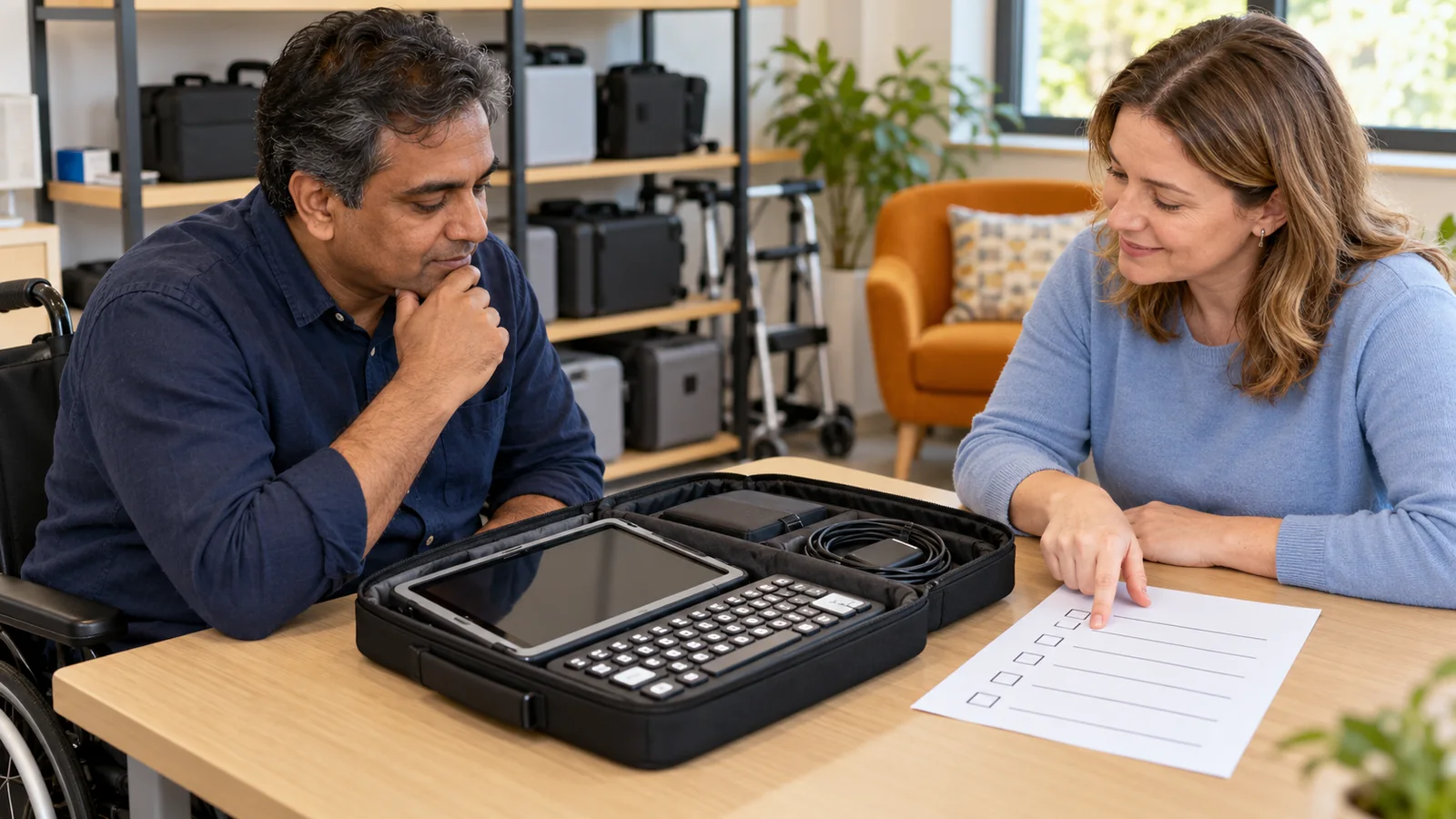
List the task the device must support and the components needed to do it. For a student, that might include a reading app, keyboard access and a school account. For a communication system, it could include particular software, an access method, mounting and a reliable backup arrangement.
Write down requirements that are essential, useful or optional. This prevents an attractive price from shifting attention away from the feature the person actually needs. If a required app or accessory has not been tested with the proposed model, treat compatibility as unresolved.
For specialized devices, ask the person’s assistive technology team which details must match the assessed setup. A physically similar device may have different ports, operating-system support or accessory requirements. Do not assume a refurbished replacement is equivalent solely because it has the same screen size.
Ask what the seller means by refurbished
The word “refurbished” should lead to questions about the work performed, not end them. Ask who inspected the unit, what was repaired or replaced and whether the description applies to the exact item being sold. A cosmetic grade does not explain every functional or access-related issue.
Apple’s Canadian Certified Refurbished page provides a concrete example of a defined program: it describes functional testing and a standard one-year limited warranty for its certified products. Those are Apple’s stated terms for that program, not a promise covering every second-hand Apple product or another seller’s refurbishment.
Request a dated description or invoice identifying the seller and model. If a third-party marketplace handles the transaction, clarify who actually provides the warranty and who receives a return. Save the relevant listing and terms so that later discussions refer to the same promises.
Check condition and relevant safety information
Health Canada’s second-hand buying guidance advises checking recalls, product history, missing parts and applicable safety information, including who performed repairs. It notes that older products can have problems even when they appear to work. Use the manufacturer’s information and relevant recall records for the exact model.
Ask about the battery, charger, ports, case, screen and any previous damage or repair. If the device is essential for daily communication or learning, ask what testing supports the seller’s battery-condition statement. “Turns on” is not the same as completing the person’s normal day.
Do not attempt to resolve a suspected electrical or battery problem through improvised repairs. Raise it with an appropriate qualified service provider or choose another item. For specialized equipment, ask whether modifications or replacement parts affect its intended use or support arrangements.
Confirm ownership and a usable setup path
A device must be available for legitimate transfer and setup. Ask whether it belongs to the seller, is still on loan from a service or school, or remains managed by another organization. A sale listing alone does not resolve those questions.
Apple’s Activation Lock guidance tells buyers to check that a used iPhone or iPad has been erased and removed from the previous owner’s account before taking ownership. This illustrates a wider purchasing question: can the device be set up through its normal authorized process? Do not rely on promises to bypass an ownership lock later.
Keep hardware ownership separate from software rights. Ask whether included apps, voices, communication page sets or subscriptions are transferable under their actual terms. An icon on the home screen is not evidence that the buyer will retain lawful, supported access after the seller’s account is removed.
Compare the complete purchase
| Area | Question for the seller or support team | Useful evidence |
|---|---|---|
| Identity | Which exact model and configuration is offered? | Model details and item-specific description |
| Condition | What was checked, repaired or replaced? | Written refurbishment and condition record |
| Compatibility | Will required software and accessories work? | Current requirements and a relevant trial |
| Ownership | Can the device be transferred and set up normally? | Seller confirmation and authorized setup path |
| Warranty | Who provides it and what does it cover? | Terms, exclusions and claim process |
| Returns | What happens if the access setup is unsuitable? | Deadline, condition rules and shipping costs |
Use a simple comparison sheet for a small number of options. Add missing accessories, required software, setup, shipping and any confirmed ongoing costs. Compare those totals with other suitable routes, including a supported loan or an existing device that can meet the task.
Read warranty and return terms separately
A warranty addressing a hardware fault may not cover a device that functions correctly but does not meet the person’s access needs. Ask how those situations are handled separately. Do not assume a general warranty statement creates an unrestricted trial period.
Clarify when each period begins, how a claim is made, where the device must be sent and which costs or exclusions apply. Check whether the battery, accessories and any previous repairs are addressed. Where consumer rights are uncertain, use an appropriate local consumer-information service rather than relying on a seller’s informal summary.
For equipment used every day, ask about downtime. Is a loan replacement available, and under what conditions? If it is not, plan another way to communicate or complete essential tasks before the refurbished device becomes the only available route.
Test the person’s workflow within the agreed terms
If a trial is permitted, use the person’s actual access method and representative non-sensitive material. Test reading, input, navigation, saving and opening the result. Include the required accessories and relevant account restrictions where authorized.
Check how the setup behaves after restart, sleep or reconnection. Note any assistance required and whether the person can recover from an ordinary interruption. Ask about continued operating-system and application support rather than assuming today’s successful launch guarantees future compatibility.
Keep the trial respectful and manageable. The person should not have to complete repeated demonstrations solely to justify a purchase. Choose enough relevant tasks to identify the important uncertainties, then review the evidence together.
- Specify: record the required task and complete setup.
- Verify: obtain item-specific condition, compatibility and purchase terms.
- Decide: compare total cost, trial results and unresolved questions.
A practical example
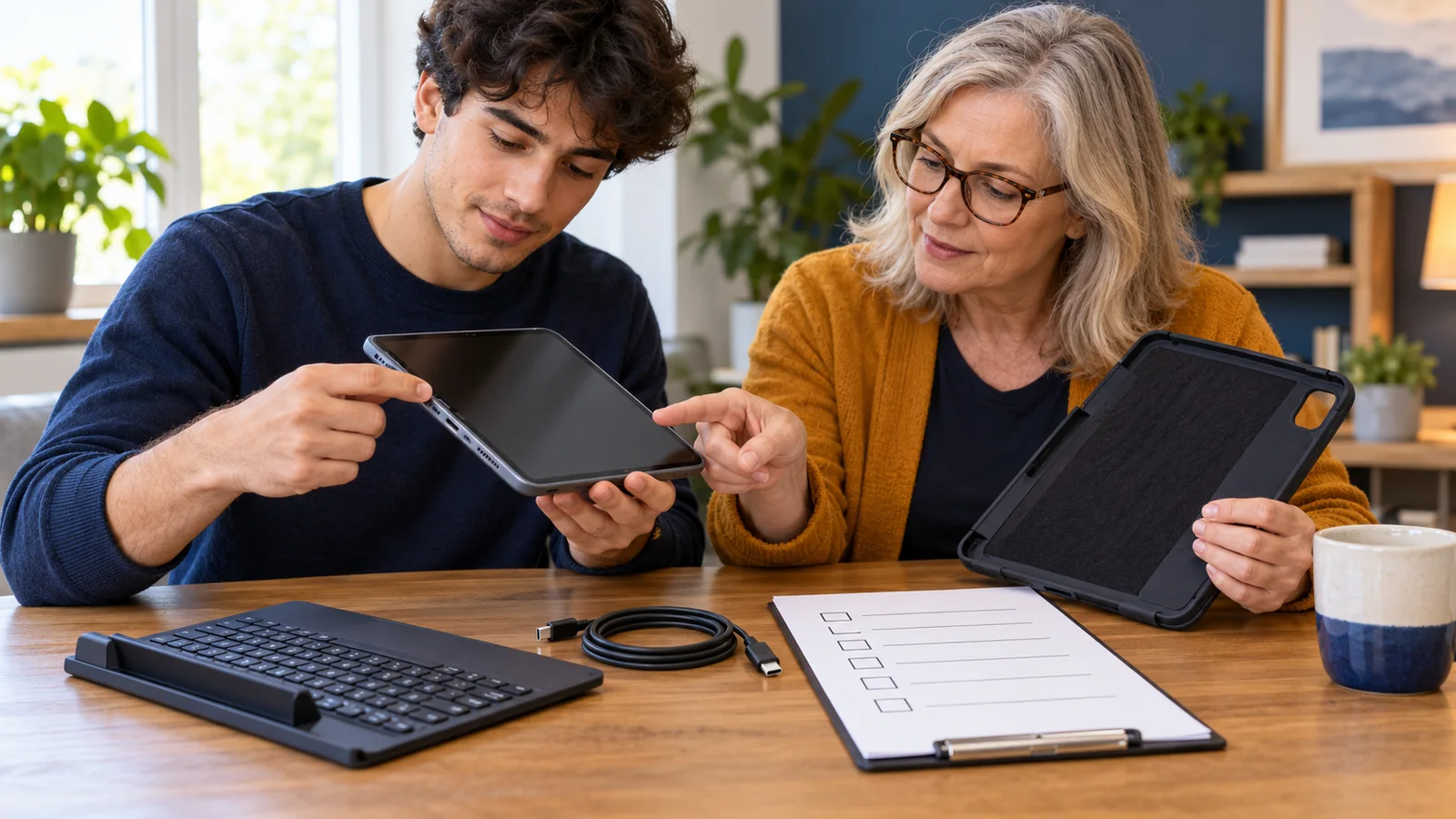
In this fictional example, a family considers a refurbished tablet for Leila’s reading workflow. The listing looks affordable, but the family first checks the required reading app, keyboard connection and school sign-in arrangements.
One offer lacks a clear return process and does not explain battery condition. Another provides written terms and allows the relevant trial. The family compares the full cost, including a compatible case and setup support, rather than choosing from the headline price alone.
They also keep Leila’s existing reading option available while the new arrangement is checked. A lower purchase price is useful only if the complete setup supports the task.
Common questions
Does refurbished always mean manufacturer-certified?
No. Ask who performed the work and what the exact seller’s description and terms establish.
Is a warranty the same as a trial period?
No. Fault coverage and returns for an unsuitable setup may have different rules. Read both before paying.
Can I rely on the device’s cosmetic grade?
Use it only for what it describes. Check function, battery, accessories and the person’s access workflow separately.
Will installed apps transfer with the device?
Do not assume so. Confirm licences, account ownership and subscription terms with the relevant provider.
What if the device is still linked to someone else’s account?
Require the normal authorized transfer process before accepting it. Do not buy on the assumption that an ownership lock can be bypassed later.
Should a communication device be tested by a specialist?
Involve the relevant team when choosing or replacing a specialized setup. Hardware condition alone does not establish individual suitability.
What costs belong in the comparison?
Include required accessories, software, setup, shipping, ongoing charges and foreseeable support costs, using confirmed figures.
Can loaned school or service equipment be sold?
Do not assume the holder owns it. Confirm ownership and the applicable loan terms before considering a transfer.
What should we save from the purchase?
Keep the invoice, item description, model details and warranty and return terms in an accessible place.
When is it reasonable to walk away?
When essential compatibility, ownership, condition or support questions remain unresolved and the terms do not provide an acceptable way to check them.
Sources and scope
Apple’s pages support the labelled refurbishment and ownership-lock examples. Health Canada provides general second-hand product safety guidance. This checklist is not an individual legal opinion, safety certification or seller endorsement.
- Apple Canada: Certified Refurbished — one defined refurbishment program.
- Health Canada: Buying second-hand products — condition, history and safety checks.
- Apple: Activation Lock for iPhone and iPad — checks before accepting a used device.