Assistive Technology
Eye-Gaze Access: Understanding the Assessment and Trial Process
Explore eye-gaze access through meaningful tasks, a comfortable setup and the person’s own feedback.
Archive edition: 13 September 2026 · assigned for archive organisation
On this page
- At a glance
- Begin with the person’s goal
- Clarify which system is being trialled
- Prepare positioning and the environment
- Understand calibration without turning it into a pass-or-fail test
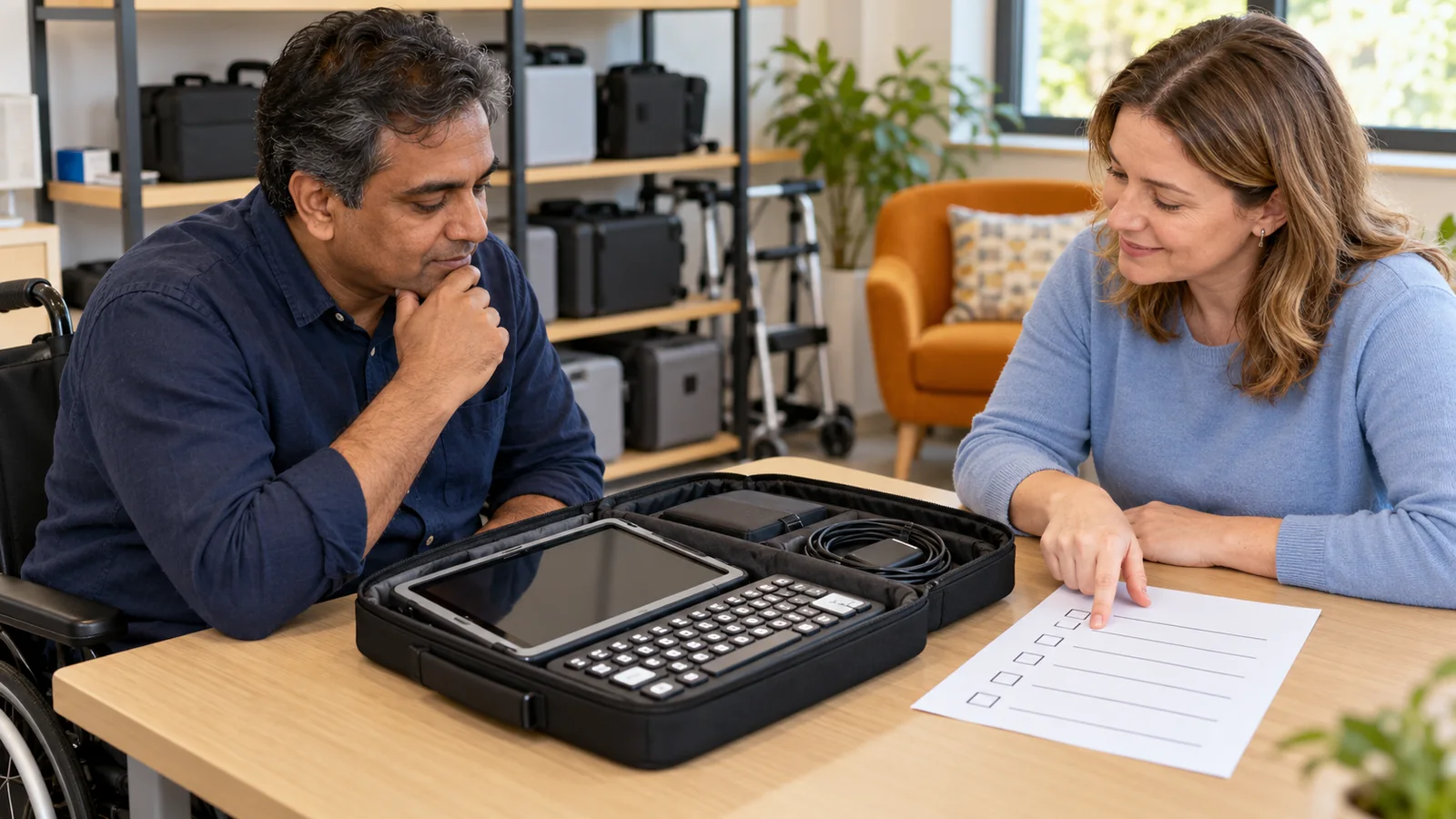
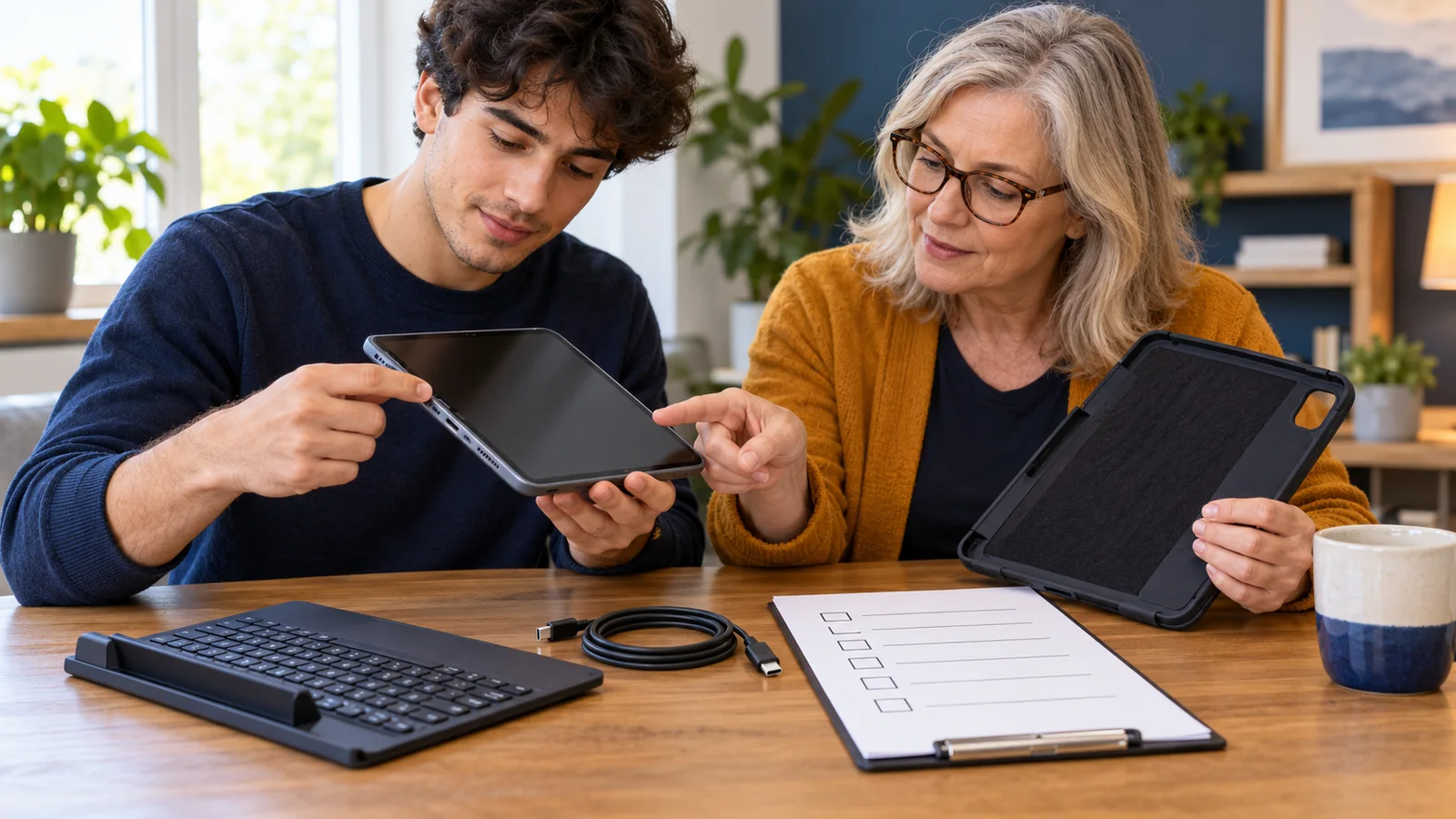
- Use a checklist for the whole trial
- Compare selection and layout together
- Make the trial sustainable
- A practical example
- Common questions
- Sources and scope
Eye-gaze access uses information about where a person is looking to help control a screen. Depending on the system, the person may select an item by looking at it for a chosen interval or by combining gaze with another input. A useful trial asks whether that arrangement supports an activity the person actually wants to do.
This guide prepares families, students and support teams for an assessment or device trial. It does not determine eligibility, prescribe a device or replace professional input about vision, positioning or communication. A short demonstration can introduce possibilities, but the everyday setup deserves a fuller conversation.
Begin with the person’s goal
Ask what the person wants to control: a communication system, reading material, messages, a game or another activity. Be specific enough to test the complete task. Opening an app is different from independently choosing and correcting a message within it.
Include the person’s preferred ways of communicating throughout the assessment. They should have opportunities to express interest, discomfort, disagreement and a wish to stop. Do not make access to familiar communication methods conditional on success with a new technology.
Ace Centre’s computer-access overview places eye gaze among several alternative access routes and discusses assessment with the individual and involved supporters. This UK example supports a broad comparison approach; it does not establish Canadian service eligibility or make eye gaze the preferred option for every person.
Clarify which system is being trialled
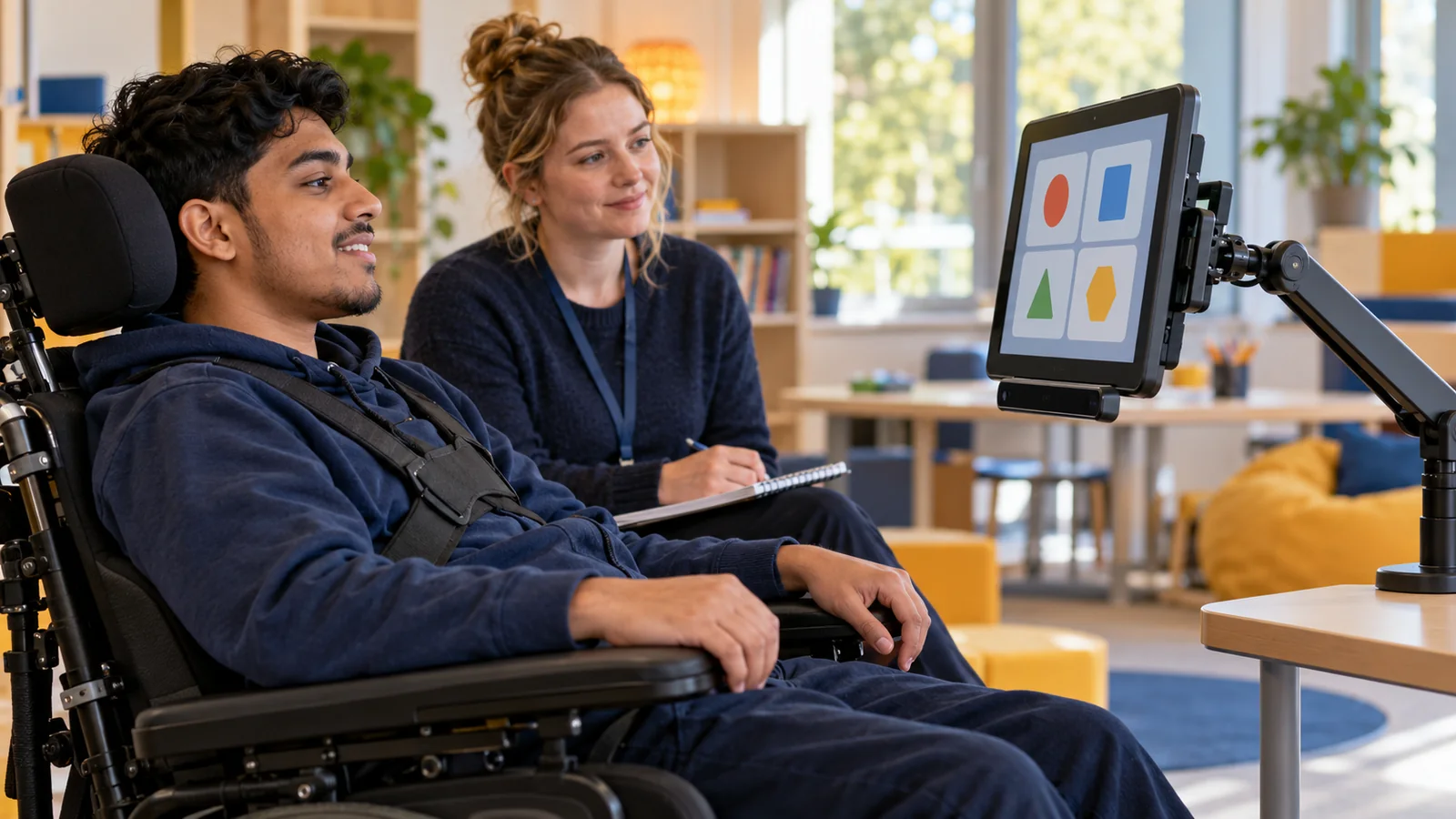
Eye-gaze systems are not interchangeable. Ask whether the trial uses a built-in camera feature, an external tracker or a dedicated communication device. Identify the exact device, software, accessories and intended applications before drawing conclusions from the experience.
Apple’s iPad eye-tracking guide, for example, describes a built-in camera feature on supported models, calibration and adjustable dwell behaviour. It separately describes compatible external tracking devices. These are different arrangements with their own requirements, not proof that an existing tablet will meet an individual’s needs.
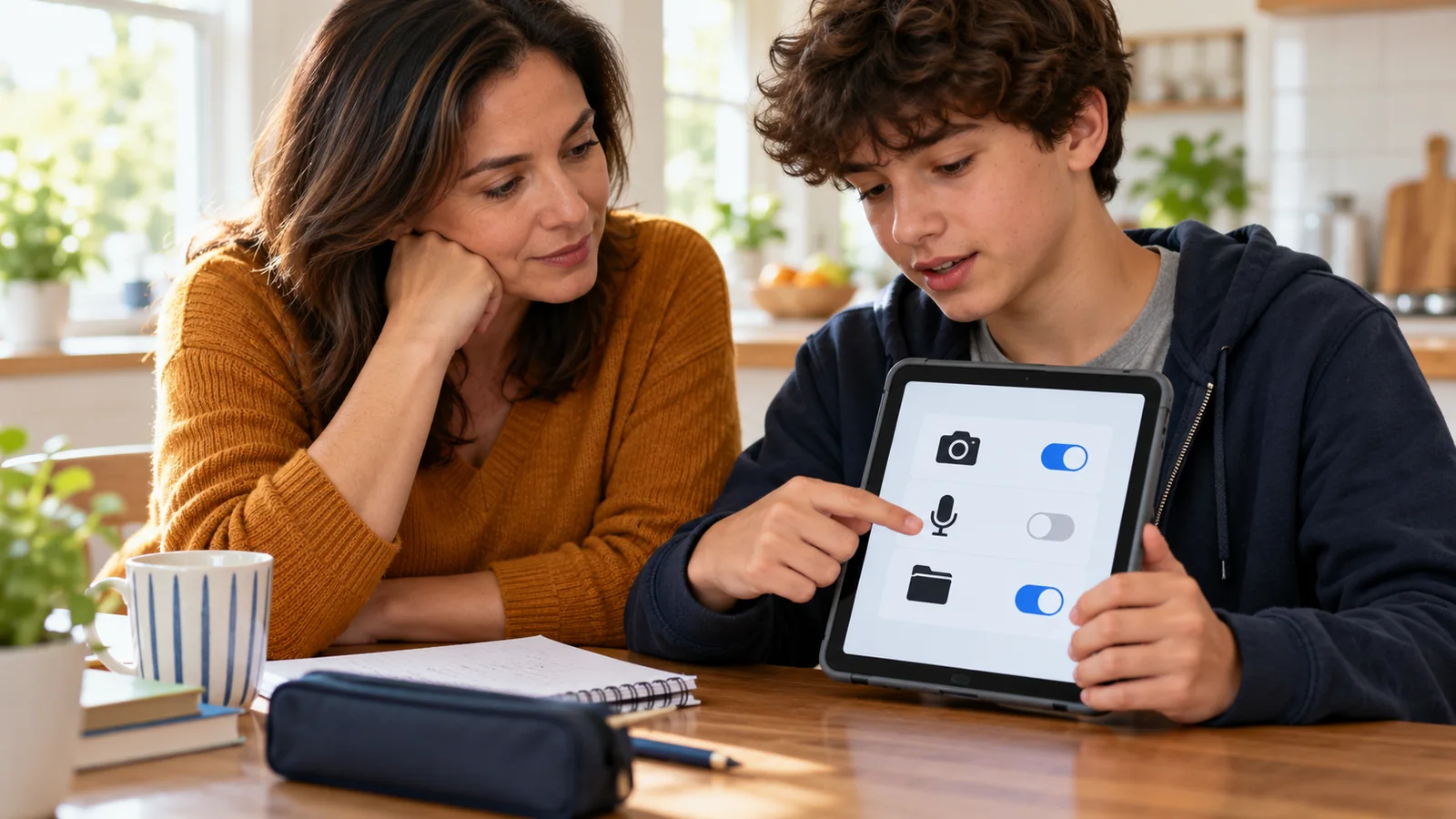
Ask what actions are available after the pointer reaches an item. Can the person select, scroll, type, pause and return to the previous screen? If another input is involved, include it in the trial rather than treating it as an accessory that can be considered later.
Prepare positioning and the environment
Discuss comfortable positioning with the appropriate professionals. Ask who will arrange the mount and how the setup will work with the person’s usual seating, vision needs and activities. The person should not have to maintain an unsuitable position simply to make a demonstration appear successful.
Tobii Dynavox’s positioning guidance emphasizes adapting the device position around a comfortable user, checking tracking and considering lighting. It also cautions against treating a perfect calibration result as a prerequisite for useful interaction. The article contains model-specific examples; use current instructions for the actual equipment and seek support for individual setup.
Ask the trial team which ordinary conditions should be included. A classroom window, a different seating position or moving between rooms may change the setup. Record relevant conditions so that a difficulty can be investigated rather than attributed automatically to the person.
Understand calibration without turning it into a pass-or-fail test
Calibration helps the system relate the person’s gaze to positions on the screen. Ask the specialist to explain what the procedure requires and what its result means for this particular system. The procedure and options may differ between products.
A result should inform the next step, not become a judgment about intelligence, motivation or overall communication potential. If the first attempt is difficult, ask which factors can be adjusted and whether another method or time would provide better information.
After setup, try a meaningful activity. Can the person reach intended choices across the screen, distinguish looking from selecting and correct an unwanted action? These observations show something different from a score produced during a calibration routine.
Use a checklist for the whole trial
| Area | Question | What to record |
|---|---|---|
| Purpose | Which activity matters to the person? | The intended outcome and preferences |
| Setup | Who positions and checks the equipment? | Device, mount and relevant conditions |
| Selection | How is looking converted into an action? | Settings and unintended selections |
| Recovery | Can the person pause, undo or ask for help? | Accessible routes out of difficulty |
| Daily use | Does the arrangement work in the intended places? | Support and setup effort |
| Continuity | What happens during repair or downtime? | Backup access and responsible contacts |
Describe assistance precisely. If a supporter opens the app, changes pages or corrects errors, record that contribution. Supported use can be valuable, but it should not be presented as independent completion when comparing options or planning the next stage.
Compare selection and layout together
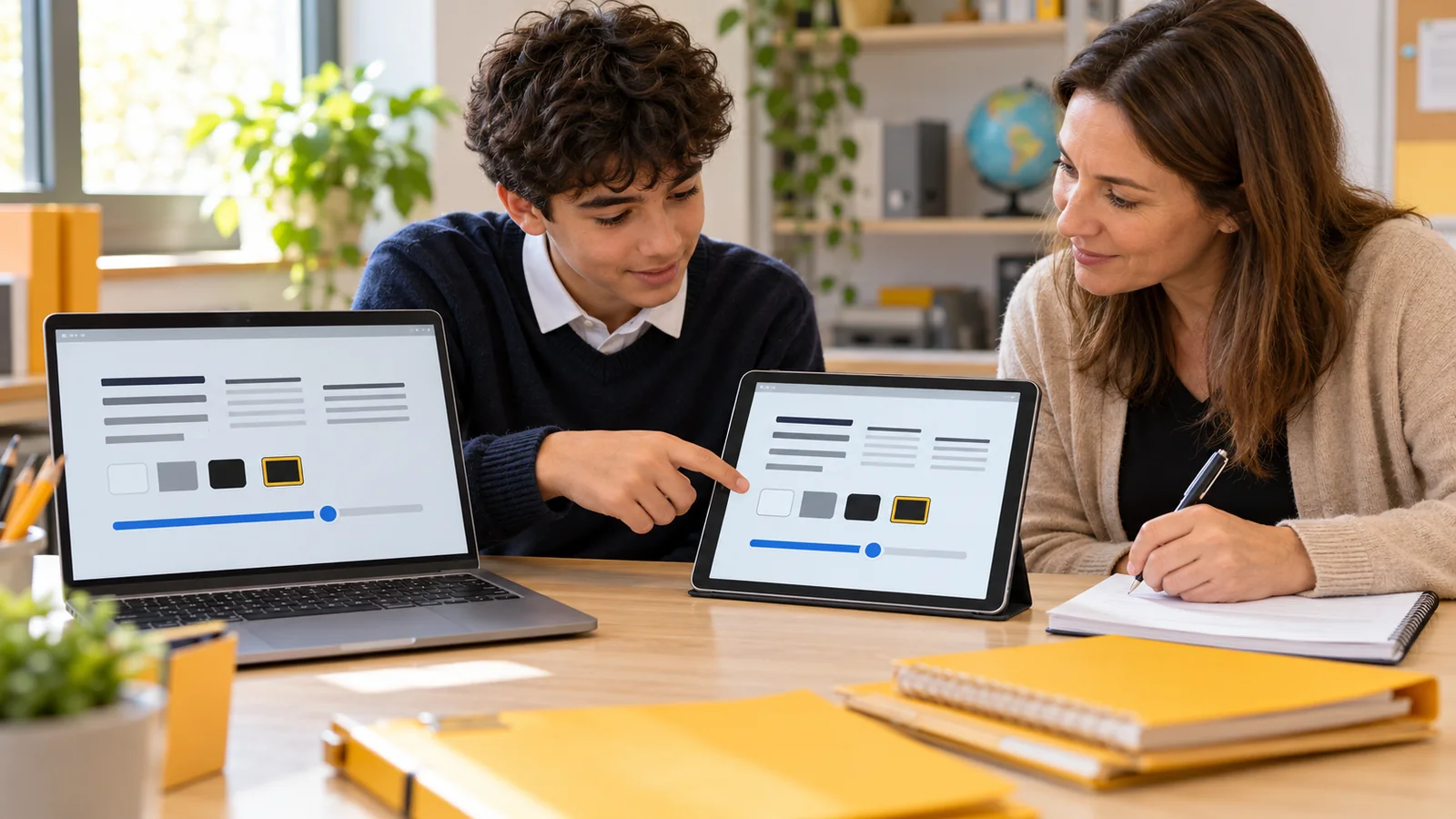
Ask how dwell timing or another selection method will be adjusted with the person’s feedback. A setting that triggers too quickly may create unwanted choices; another may make interaction unnecessarily slow. There is no single editorial setting that can be prescribed for every user.
Include the actual screen layout. Large practice targets may be easier to reach than a dense application menu. If the intended task remains inaccessible, ask whether layout, navigation, selection settings or the access method needs to change.
For communication, consider the ability to express more than answers to someone else’s questions. Trial opportunities to initiate, reject, repair a misunderstanding and change the topic using the person’s communication system. The access method and the available language both matter.
Make the trial sustainable
Agree how the person can request a break and how feedback will be gathered without constant testing. A trial should include enjoyable or useful activity, not only repeated target selection. Ask the team how much practice and support are appropriate for the particular person and purpose.
Plan who can reproduce the setup outside the assessment appointment. Written notes or an agreed photo of equipment positioning may help, subject to the person’s privacy preferences. Avoid including unnecessary identifiable information in records shared with suppliers or services.
Clarify the loan period, equipment included, technical support, training, repair arrangements and return conditions. Ask which costs are confirmed and which funding decisions remain separate. A successful trial does not automatically establish coverage, ownership or long-term support.
- Prepare: identify goals, communication and a comfortable supported setup.
- Explore: try meaningful tasks with adjustable settings and breaks.
- Decide: review the person’s experience, remaining barriers and next steps.
A practical example
In this fictional example, Daniel wants more direct control over a communication device during a college discussion group. The trial team starts with a supported eye-gaze setup and Daniel’s familiar communication options remain available.
Daniel reaches several choices, but an early selection setting produces unwanted activations while he explores the screen. The team adjusts the arrangement and includes ways to pause and correct a selection. They record Daniel’s feedback and the assistance needed.
A later trial in the actual discussion room reveals a different setup issue near the window. The team investigates the environment and equipment before making a purchase recommendation. The decision considers useful participation, not a single impressive demonstration.
Common questions
Is eye-gaze access only for communication devices?
No. Depending on the system, it may support other computer activities. Trial the exact task and software the person wants to use.
Does every tablet support eye tracking?
No. Requirements vary by model, operating system, camera feature and external accessory. Check current documentation for the actual arrangement.
Is a perfect calibration required?
Do not make that assumption. Ask what the result means for the particular system and assess useful interaction with specialist support.
Does a difficult first attempt mean eye gaze is unsuitable?
It is information to investigate. Review setup, conditions, task demands and alternatives before drawing a broad conclusion.
Who should arrange the device mount?
Use the appropriate professional or trained support route, especially where the mount interacts with seating or other equipment. Avoid improvised changes that compromise comfort or access.
Should the same dwell time be used for everyone?
No. Selection settings should be explored around the person’s task and feedback, with a way to pause and correct unwanted actions.
Can a clinic demonstration answer every everyday question?
No. Ask which relevant environments, applications and support arrangements can be included in a meaningful trial.
Should other communication methods be removed during practice?
No. Preserve available ways to communicate needs, disagreement and a wish to stop, including when the device is being adjusted.
What should we ask before accepting a loan?
Confirm included equipment, setup, training, support, costs, privacy expectations, return conditions and what happens if something fails.
What should the review decision include?
Include the person’s experience, useful tasks achieved, assistance needed, unresolved barriers and the next adjustment or alternative to explore.
Sources and scope
Apple and Tobii Dynavox document specific technology and setup examples. Ace Centre supplies UK alternative-access assessment context. No device was independently tested, funding confirmed or individual clinical assessment performed.
- Apple: Control iPad with eye movements — built-in and external access examples.
- Tobii Dynavox: Positioning and calibration — setup considerations and calibration context.
- Ace Centre: Accessing a computer — specialist comparison context.