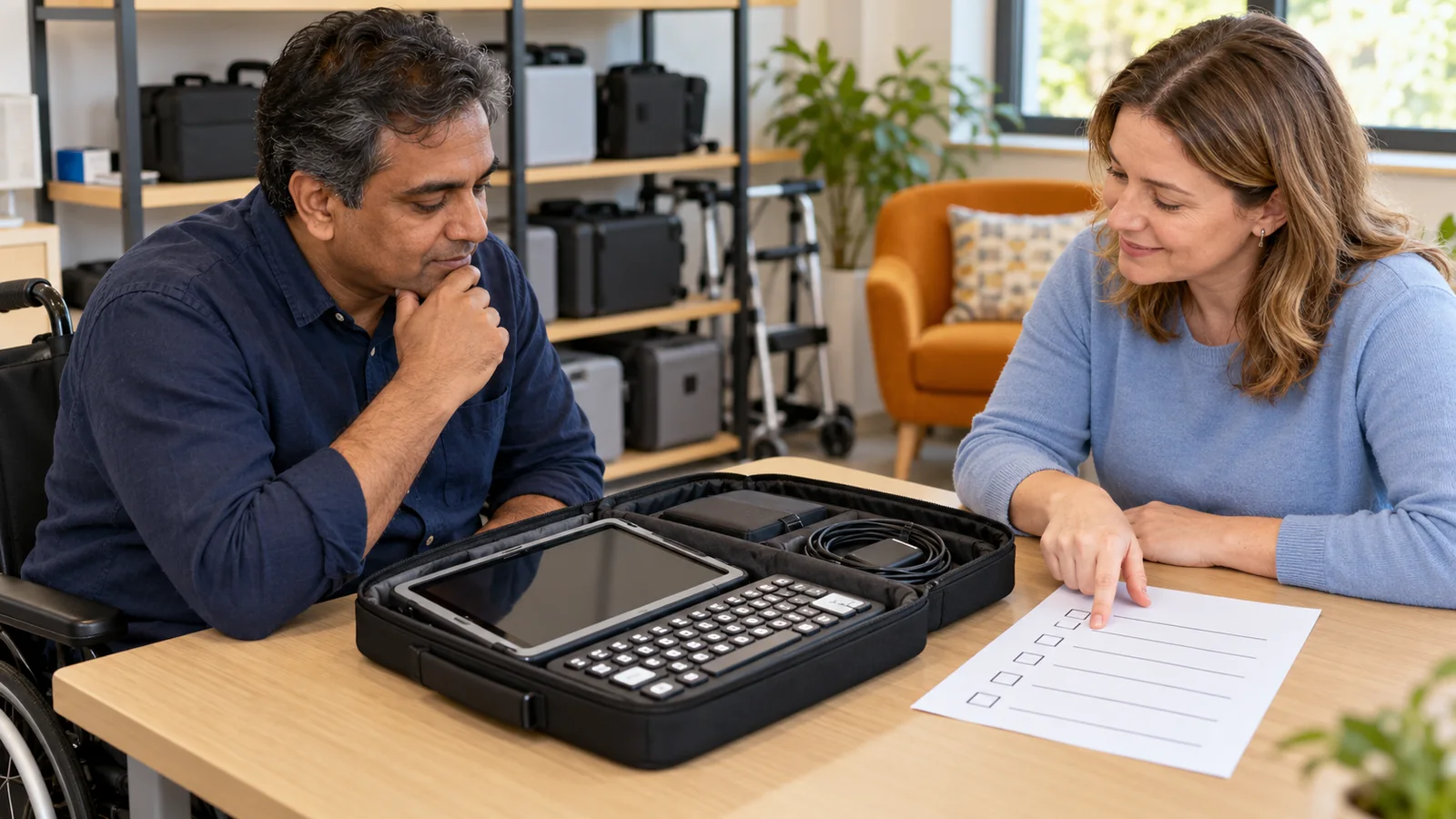
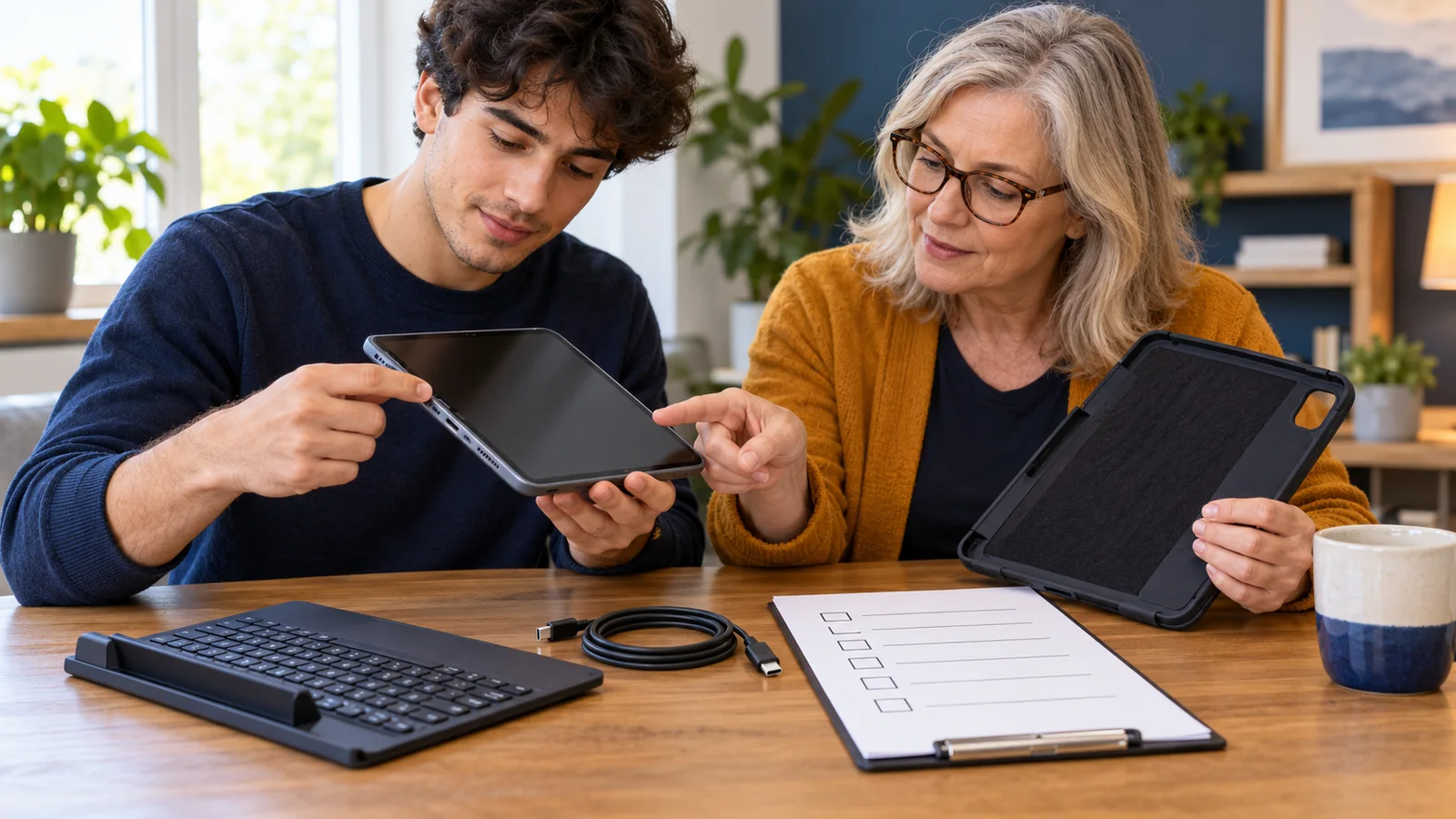
Assistive Technology
Building a Low-Tech Communication Backup for Device Downtime
Keep communication available during device downtime with a familiar, usable backup plan.
Archive edition: 25 August 2026 · assigned for archive organisation
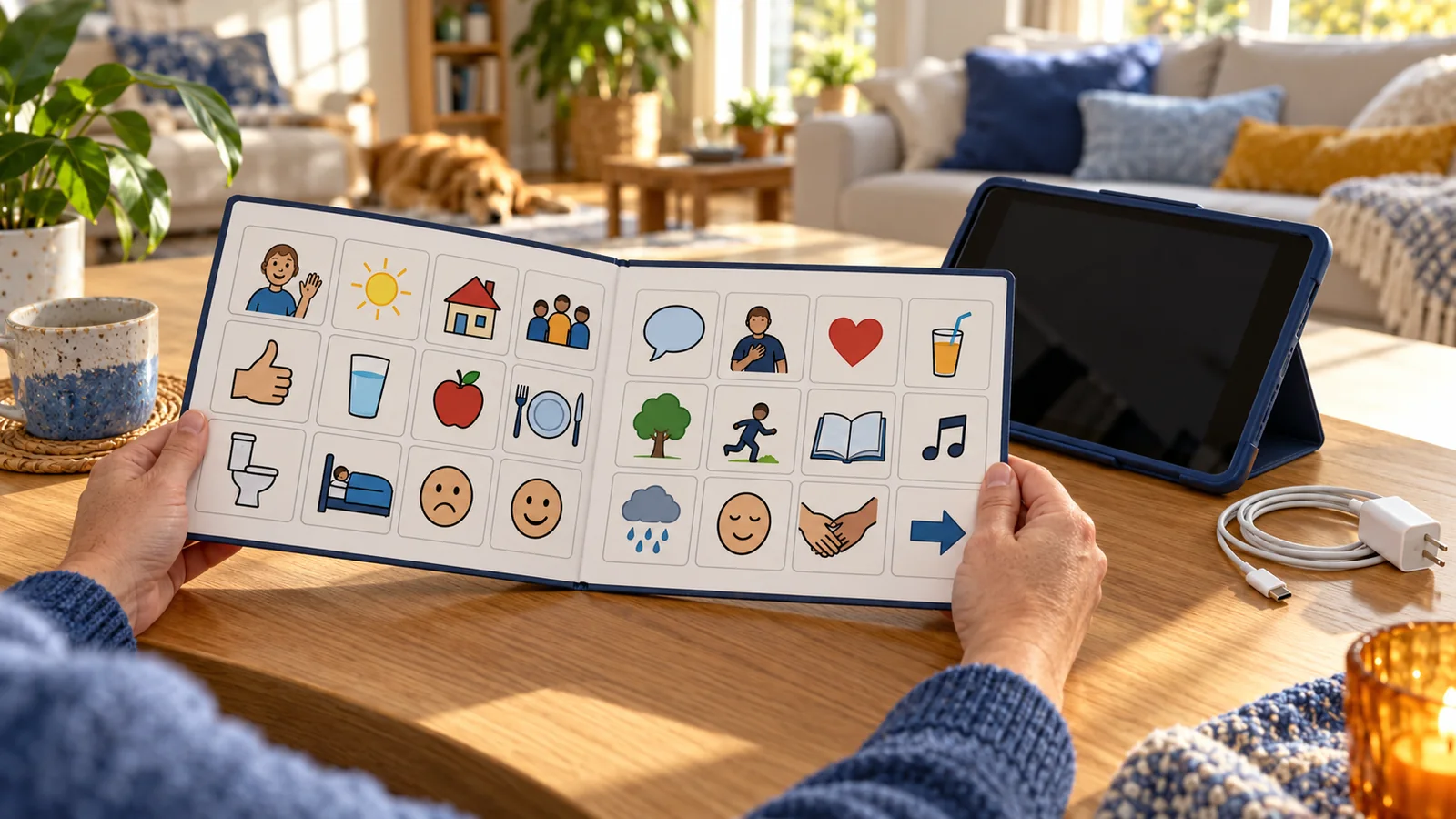
A communication device may need charging, repair or replacement. It may also be difficult to use in a particular setting. A low-tech backup gives the communicator another option while the usual system is unavailable. The useful question is not merely whether a paper board exists, but whether the person can access it and other people know how to respond.
Build the plan with the person who will use it and, where needed, their speech-language pathologist or AAC team. This guide offers practical preparation questions rather than a ready-made communication prescription. A backup should preserve communication access while the preferred system is restored; it should not become an excuse to withdraw that system.
Identify the gap you are preparing for
List the most likely situations: a depleted battery, a damaged screen, a repair loan, a wet environment or a trip where equipment is temporarily separated from its user. Avoid trying to solve every imaginable emergency at once. Start with a realistic gap and ask what communication must remain possible.
Distinguish a hardware problem from an access problem. A working device may still be unusable if it cannot be positioned, the display cannot be seen comfortably or the person cannot use their usual input method at that moment. The backup needs to address the actual situation rather than simply duplicate the same obstacle on paper.
AssistiveWare’s guidance on communication when AAC is unavailable discusses paper alternatives and planning for changes in access. AssistiveWare sells AAC products, so this is vendor-authored practical guidance, not an independent product comparison. The planning principle can be considered without buying its software.
Choose an accessible backup with the communicator
Possible options include a familiar communication board, a book, an alphabet layout or another agreed method. Ask which one the person already understands and can access. A small card may be easy to carry but difficult to see or select from. A large folder may be readable but awkward to hold during travel.
Check the complete arrangement: where it rests, how pages move, how the person indicates a message and how a partner confirms understanding. Do not assume that someone who uses a touchscreen can comfortably point to a thin paper sheet held at a different angle.
ASHA’s AAC Practice Portal describes partner-assisted scanning as an access option in which choices are presented and the communicator selects using an agreed signal. If this is being considered, ask the AAC team to help establish a reliable method. A partner guessing or physically directing a selection is not the same process.
| Part | Question to test | Possible issue to resolve |
|---|---|---|
| Content | Can the person express relevant messages and correct errors? | Vocabulary is limited to someone else’s expected requests. |
| Access | Can the person see, reach or otherwise select comfortably? | The print size or position differs from the usual system. |
| Partner response | Does the partner know how selection and correction work? | Silence is being interpreted as agreement. |
| Availability | Can the backup be found and brought into use promptly? | It is stored away from the communicator. |
| Maintenance | Is the current version complete and usable? | Pages are missing, damaged or out of date. |
Include correction, choice and a way to change the topic
Review whether the backup allows the person to reject an offered option, say that the message has been misunderstood, ask for more time or indicate that something else is needed. A narrow set of yes-or-no questions can leave the communicator trapped inside another person’s assumptions.
Ask which personal topics matter. A backup that contains only food and toileting messages may not support a conversation about a friend, an activity or a concern. Work with the person and AAC team on a manageable arrangement that does not unnecessarily restrict what can be said.
The NJC Communication Bill of Rights, third edition emphasises participation, refusal, opinions and access to working communication systems. It is a professional rights statement, not a Canadian statute. It offers a useful check on whether a backup plan respects the person as a full participant.
Keep private information purposeful. Decide with the communicator whether contact details or a short explanation of how to use the board are necessary. Avoid placing passwords, account information or an extensive medical history on a folder that may be opened in public. The communication tool and a private support record need not contain the same information.
Agree on brief partner instructions
A short instruction sheet can explain the person’s established selection method, how to wait for a response and how to check a message. It should also explain how to offer the usual device when it becomes available. Use clear wording that a new support worker or unfamiliar person can understand.
Describe uncertainty honestly. If a signal is unclear, the partner should seek clarification rather than recording a guessed answer as the person’s decision. A backup board does not by itself establish consent to a medical procedure, legal agreement or other consequential decision. Relevant professionals must use the appropriate accessible process.
In a fictional example, Jules’s device goes for repair. Jules and the AAC team prepare a familiar paper option and agree on how to request a different page. The support team keeps it with Jules, practises the agreed method during an ordinary conversation and records one missing topic for review. They also confirm the repair contact and expected update so the temporary arrangement does not drift indefinitely.
Maintain the backup and restore the usual system
- Choose. Match an alternative to the person and likely situation.
- Prepare. Check content, access and partner instructions.
- Practise. Try it with consent during a low-pressure interaction.
- Review. Keep it current and restore the preferred system promptly.
Check the backup after a meaningful vocabulary or access change. If the communicator uses a revised layout, ask whether the paper version should change too. Keep one clearly identified current copy and avoid leaving several conflicting versions in different bags or rooms.
Agree on responsibilities for charging, repair enquiries and replacement materials when the person wants assistance. The plan should say who acts, not merely that “someone” will deal with it. Keep the communicator informed about what is happening and when another update is expected.
A brief practice can reveal problems before downtime occurs. Offer a real conversation, allow the person to stop and record practical adjustments. Do not deliberately withhold the preferred system to force reliance on the backup. Familiarity should be built through supported choice, not loss of access.
Common questions
Is printing a screenshot enough?
It may provide a starting point, but check whether the resulting size, contrast, layout and selection method are usable. A printed screen does not automatically reproduce navigation or speech output. Ask the communicator and AAC team what adaptations and partner instructions are needed.
Should the backup contain every page from the device?
Discuss the balance between useful vocabulary, portability and navigation. A large stack of pages may be hard to manage, while a tiny set can restrict expression. Plan for the situations likely to occur and include a way to indicate missing content or a different topic.
What if the person cannot point to a paper board?
Ask an AAC professional about appropriate access options rather than abandoning the backup plan. The method must fit the person’s movement, vision and communication signals. Any partner-assisted approach needs a clear selection and correction process that preserves the communicator’s authorship.
Can a familiar person just interpret what is meant?
Familiarity can help, but it does not make every interpretation accurate. Check the message through the person’s established method and acknowledge uncertainty. Leave room for the person to disagree with a familiar partner’s assumption, especially when the message affects a decision.
Where should we keep the backup?
Choose a place that keeps it available to the communicator in the relevant setting. Test whether it can actually be reached or promptly brought into use. A copy locked in an office may be useful for replacement but does not solve an immediate communication gap elsewhere.
How do we explain it to an unfamiliar partner?
Use a short, person-approved explanation of how messages are selected, how long to wait and how to check understanding. Avoid a dense clinical history. If the method needs skilled support, state that clearly and identify how the appropriate help can be obtained.
Should we laminate the pages?
Consider durability alongside glare, weight, page handling and the ability to update content. Try the material with the communicator before preparing many copies. The most durable format is not automatically the most accessible one, and different settings may call for different protection.
What if the person does not want to practise?
Explore whether the timing, activity, format or purpose is the problem and respect their response. Explain why a backup is being discussed without making it a test. Keep the preferred communication method available and seek a more acceptable way to prepare together.
Can the backup replace a broken device permanently?
Only a genuine review with the communicator and appropriate support should determine a lasting change. A temporary workaround should not quietly become the default because repair is inconvenient. Continue the repair or replacement process and ask what communication opportunities the backup does not provide.
When should the plan be updated?
Review it after changes in vocabulary, access, regular settings or support people, and after any occasion when it did not work as intended. Keep the review practical: what failed, what needs changing and who will act? Retire obsolete copies so partners use the current arrangement.
Sources
Primary guidance opened and checked on 21 October 2026. AssistiveWare is an AAC vendor and its article was read as practical guidance, not independent evidence of product superiority. ASHA’s Practice Portal and the vendor page were read in the browser. The checklist and Jules example are original editorial material.
- AssistiveWare: Planning for communication when AAC is not available — backup preparation.
- ASHA Practice Portal: AAC — access methods and partner-assisted scanning.
- NJC: Communication Bill of Rights, third edition — professional communication-rights principles.