Assistive Technology
Visual Timers: A Feature Checklist for Home and School
Choose a timer around the person’s understanding, comfort and the routine it needs to explain.
Archive edition: 2 September 2026 · assigned for archive organisation
On this page
- At a glance
- Choose one purpose for the trial
- Compare the display with the person’s access needs
- Check the ending cue on the exact model
- Use a feature checklist in the real setting
- Introduce the timer’s meaning without pressure
- Plan what happens when the routine changes
- A practical example
- Common questions
- Sources and scope
A visual timer shows time passing through a changing display, such as a shrinking coloured area or a countdown. Its value depends on whether that display helps the person understand an activity and what happens next. The best starting question is therefore practical: what uncertainty are we trying to reduce?
This guide helps families, students and educators compare features and plan a small trial. It includes manufacturer examples to show why model details matter, without ranking products or promising that a timer will make transitions easy. A timer is one possible communication aid, and the person’s response should guide its use.
Choose one purpose for the trial
Decide whether the timer will show how long an activity lasts, when a break begins or how much waiting remains. These are different uses. A countdown to an uncertain event can be misleading: if the bus may arrive late, a timer cannot promise its arrival.
Write a concrete trial goal, such as helping a student see when a short drawing activity will finish before packing their bag. Ask the student how they would prefer to receive that information. A spoken reminder, picture sequence or visible clock may already work.
Northumbria Healthcare’s sensory-processing resources include visual timers among possible supports for task completion and transitions, alongside clear activity boundaries and reminders. This is a strategy suggestion, not evidence that every child needs a timer or that one product is effective for everyone.
Compare the display with the person’s access needs
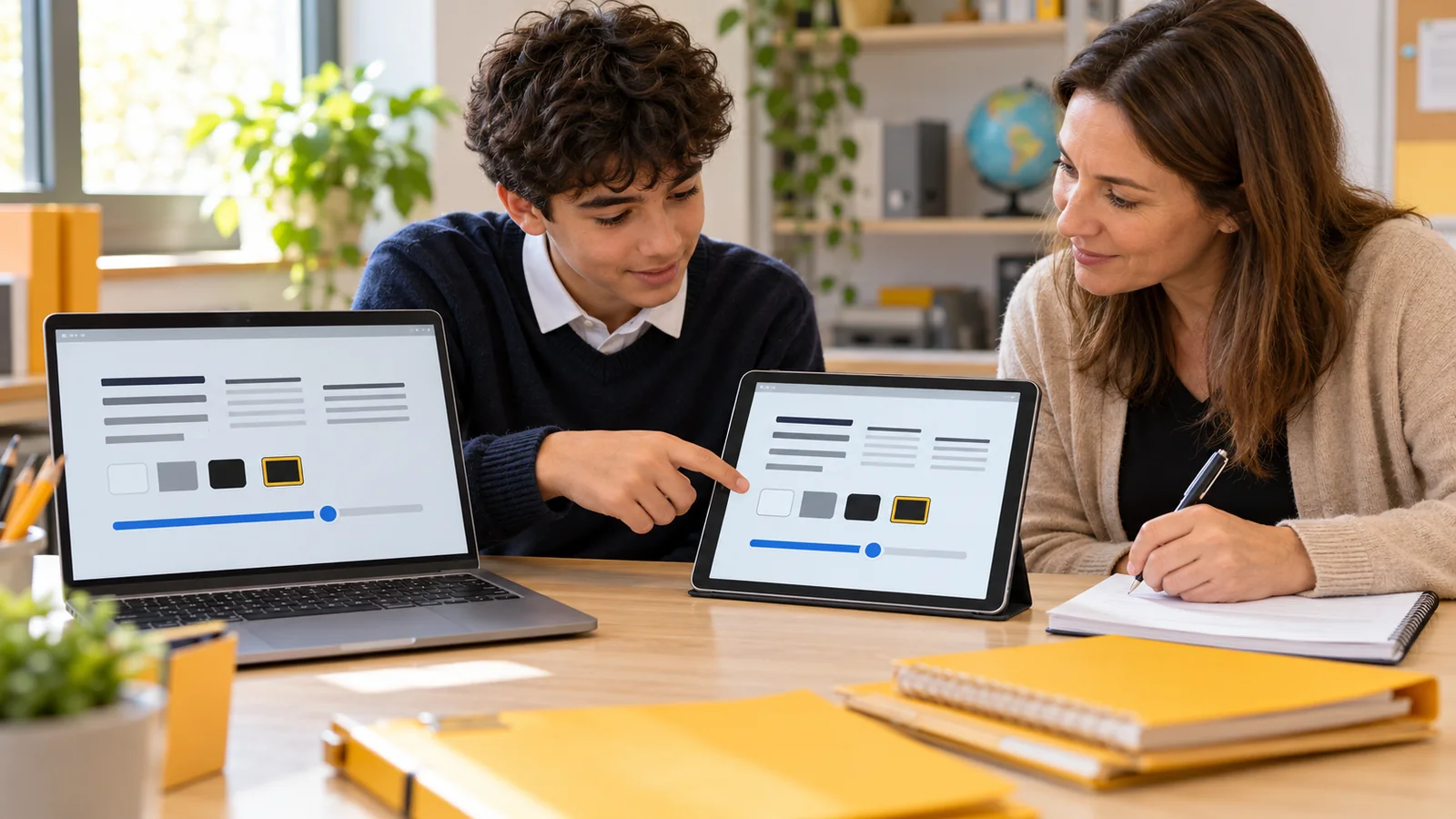
Try the timer at the distance where it will actually sit. A display that looks clear in a hand may be difficult to read across a classroom. Check size, contrast, glare and whether the person can tell what changes as time passes.
A numerical countdown assumes that the numbers are meaningful to the user. A shrinking disk or bar uses a different representation, but its meaning still needs to be introduced. Ask the person to show or explain what they think the timer is indicating rather than assuming that looking at it means understanding it.
If vision makes the display difficult to use, consider another accessible cue. A visual product name does not guarantee access for someone who uses magnification, speech output or tactile information. The task may be better served by a different tool or a combination chosen with the person.
Check the ending cue on the exact model
Before the first trial, find out whether the timer ticks, flashes, vibrates or makes a sound when it ends. Let the person preview the cue in a comfortable setting. A surprise alarm can undermine the predictability that the timer is intended to provide.
Time Timer’s alert documentation illustrates why model names matter: some models provide an on/off switch, others a volume control, while its TWIST model has an always-active ending alert. Check the current instructions for the exact item rather than assuming every timer from one brand can be silent.
For a digital option, test the actual device settings and account restrictions. Apple’s iPhone timer guide describes labels, selectable ending sounds, pause controls and continued timing when the phone sleeps or another app opens. These are labelled feature examples; test your own device and version before using a timer for an important routine.
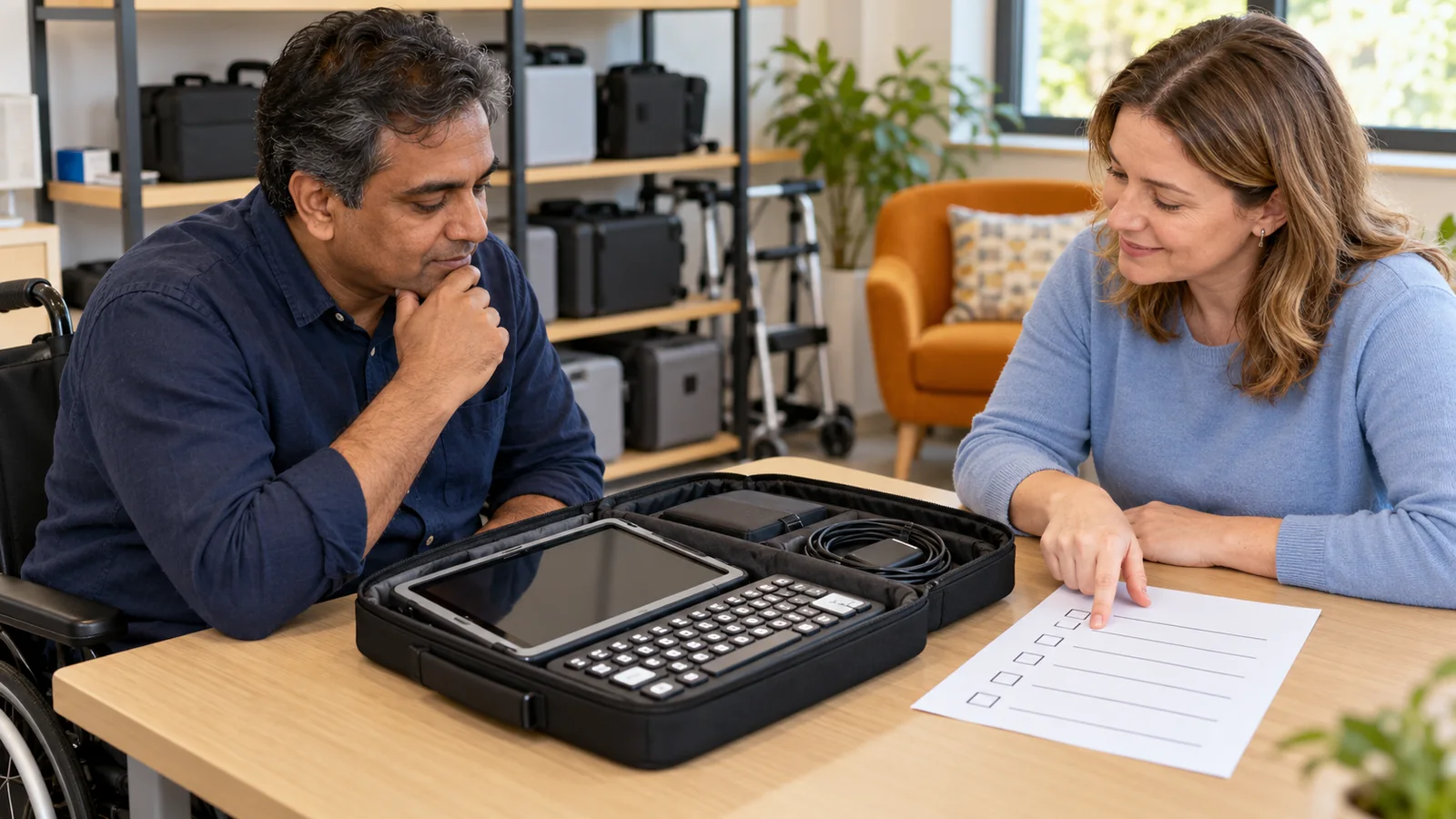
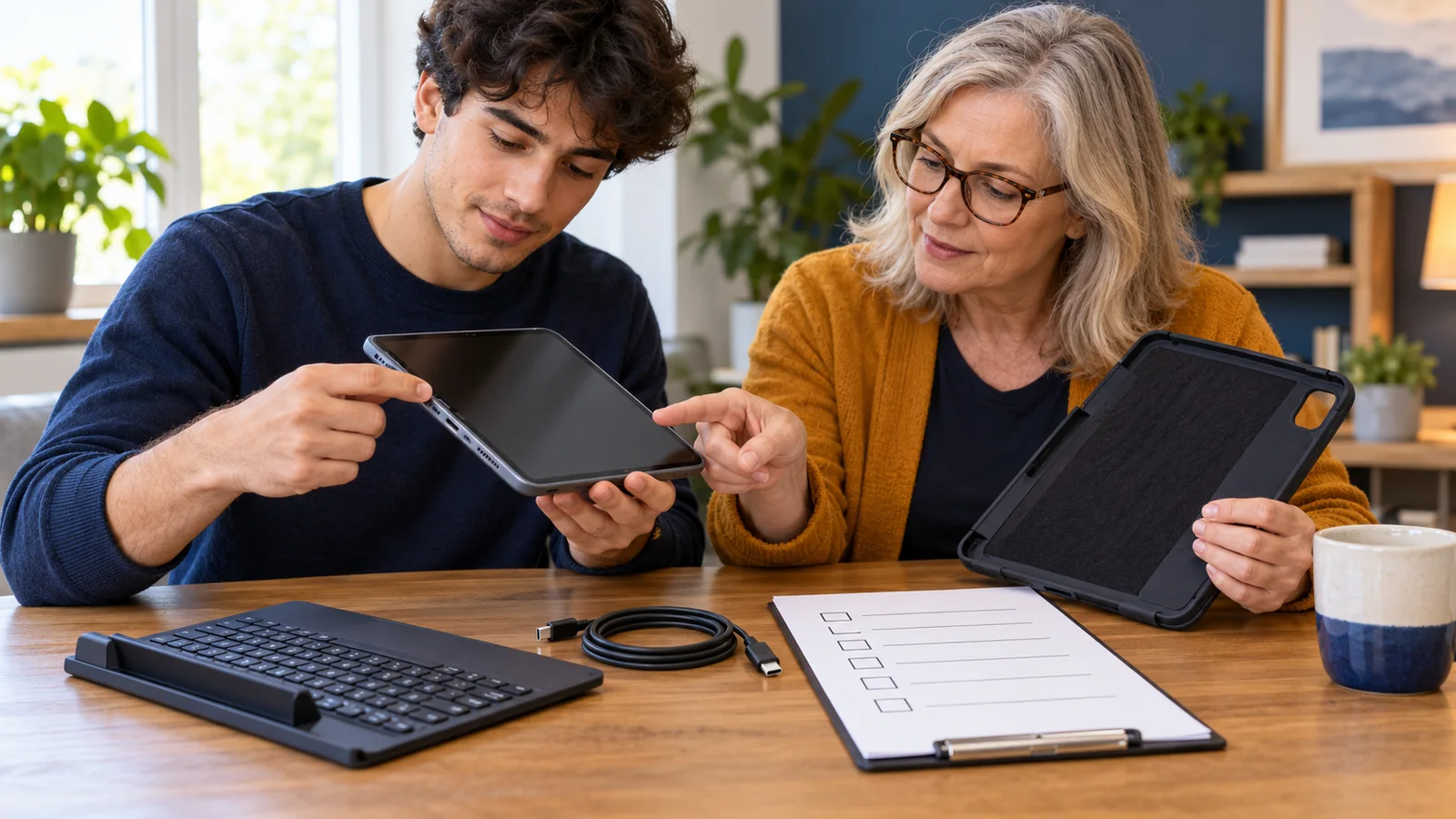
Use a feature checklist in the real setting
| Feature | What to try | Why it matters |
|---|---|---|
| Visible time | Read the display from the usual seat | Size and glare can change access |
| Ending cue | Preview sound, vibration or visual change | The person should know what to expect |
| Controls | Set, pause, restart and cancel a practice timer | The intended user needs usable control |
| Time range | Set the shortest and longest relevant intervals | Not every model covers the same routines |
| Placement | Try the actual desk, shelf or device stand | The timer should stay visible and stable |
| Continuity | Check batteries, charging and permitted device access | A fallback is needed when the tool is unavailable |
Do not add a phone solely for a countdown without considering the surrounding workflow. It may introduce notifications, charging, account setup or school device rules. Equally, a physical timer may be difficult to carry or operate. Compare the complete arrangement, not only the display in an advertisement.
Introduce the timer’s meaning without pressure
Begin with a familiar, low-pressure activity and an interval that makes sense for the person. Explain the sequence in their preferred communication form: what is happening now, what the timer represents and what comes next. Keep the next step visible or otherwise accessible.
Agree whether the timer marks a check-in, an approximate warning or an actual ending. Adults should not silently change that meaning between routines. If flexibility is possible, explain how the person can ask for more time or help.
Watch for whether the timer provides useful information or increases distress. If the person repeatedly watches it anxiously, cannot understand it or dislikes the cue, pause the trial and discuss another approach. Finishing at the alarm is not the only measure of success; clarity, comfort and participation matter.
- Explain: agree what the display and ending cue mean.
- Try: use one familiar routine with the chosen settings.
- Review: ask whether it helped and change the arrangement if needed.
Plan what happens when the routine changes
A timer cannot make an unexpected change disappear. If an activity must end early, communicate the change directly and offer whatever practical support is available. Avoid quietly shortening the countdown and expecting the person to infer the reason.
Decide how adults will handle interruptions, battery failure or a delayed next activity. A simple explanation and an alternative cue can keep the plan understandable. If a classroom uses shared timers, make clear which group or activity each timer refers to.
Keep home and school use understandable without assuming that identical settings are always required. The same person may prefer a silent desk timer at school and a gentle spoken reminder at home. Share what helped, while checking the circumstances in each place.
A practical example
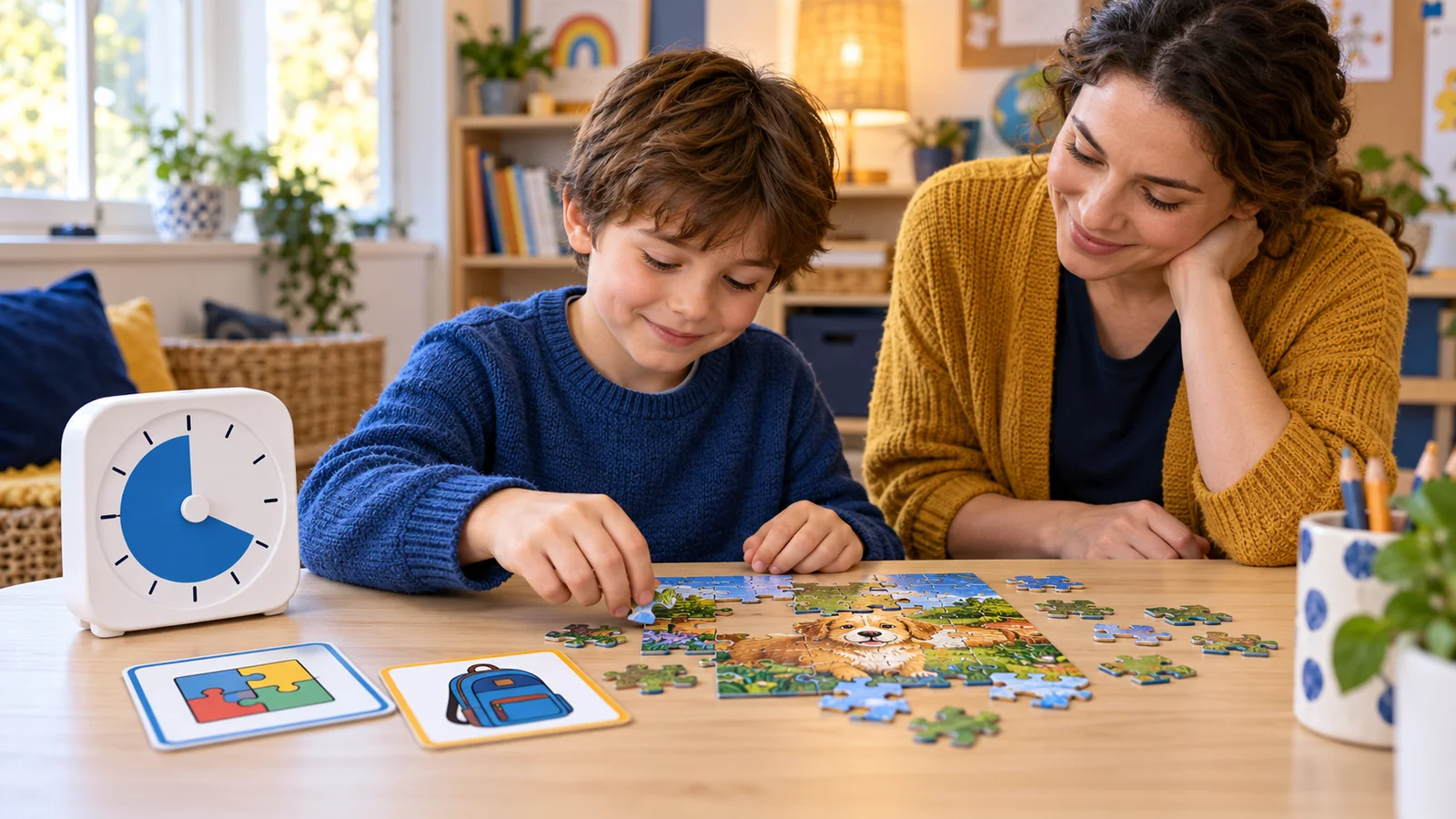
In this fictional example, Rowan enjoys drawing before leaving for school but finds repeated adult reminders confusing. Rowan and a parent trial a visible countdown beside a picture of the next step, putting on a coat. They first practise during an unhurried afternoon.
The first timer has an ending sound Rowan dislikes. They choose a model with a silent option and agree that the parent will point to the next-step picture when time ends. Rowan can ask to save an unfinished drawing rather than losing the work.
After several ordinary mornings, they review whether Rowan understands the sequence and whether the arrangement reduces confusion. They do not assume the same timer will resolve every difficult transition or use it to ignore a request for help.
Common questions
Does every autistic child need a visual timer?
No. Choose supports around the individual task, preferences and access needs. A timer is one option, and another cue may work better.
Is a shrinking disk easier than numbers?
That depends on the person. Trial the representation and check its meaning with the user rather than assuming a particular display is universally clearer.
Can every physical timer be silent?
No. Alert controls differ between models, including within one brand. Read the exact instructions and preview the ending cue.
Can we use a phone timer instead?
Possibly. Check visibility, controls, notifications, battery life and device rules in the intended setting. Test the full routine on the actual device.
What should happen when the timer finishes?
Agree this beforehand. It might mark an ending, a check-in or a reminder. Pair the cue with an understandable next step.
Should we pause a timer during an interruption?
Decide according to its purpose and explain the choice. Consistent meaning is more useful than applying one rule to every activity.
What if the timer makes the person anxious?
Stop and ask what is difficult. Change the cue, routine or support, or use another approach. Do not treat distress as a reason to intensify the countdown.
Can a timer predict an uncertain wait?
Only use a countdown when the interval is reasonably known. For uncertain waits, explain the uncertainty and use check-ins rather than making a false promise.
Should home and school use the same model?
Shared familiarity may help, but each setting has different needs. Compare meaning and access rather than requiring identical equipment automatically.
How do we decide whether to keep using it?
Review the original goal with the person. Look at understanding, comfort, participation and setup effort, and change the plan when it stops helping.
Sources and scope
The NHS resource supports the strategy context; manufacturer documentation supports the labelled control examples. The comparison checklist and fictional scenario are editorial guidance. No product was independently tested or prescribed.
- Northumbria Healthcare: Sensory-processing resources — transition supports.
- Time Timer: Alert sound and controls — differences between models.
- Apple: Set timers in Clock on iPhone — digital timer controls.