
Assistive Technology
Captions and Transcripts: Checking What a Learning Platform Provides
Check whether captions and transcripts provide usable access to the actual learning task.
Everyday Inclusion
Accessible communication, learning tools and device features, with clear distinctions between documented capabilities and practical preferences.
Assistive Technology
Check whether captions and transcripts provide usable access to the actual learning task.

Assistive Technology
A simpler reading view can change the page. Check the extracted text, controls and links against the original.

Assistive Technology
Separate text size from interface scale, then check reading, navigation and how to reverse the change.

Assistive Technology
Decide which interruptions are useful, change one group of settings and test the exceptions that matter.
Assistive Technology
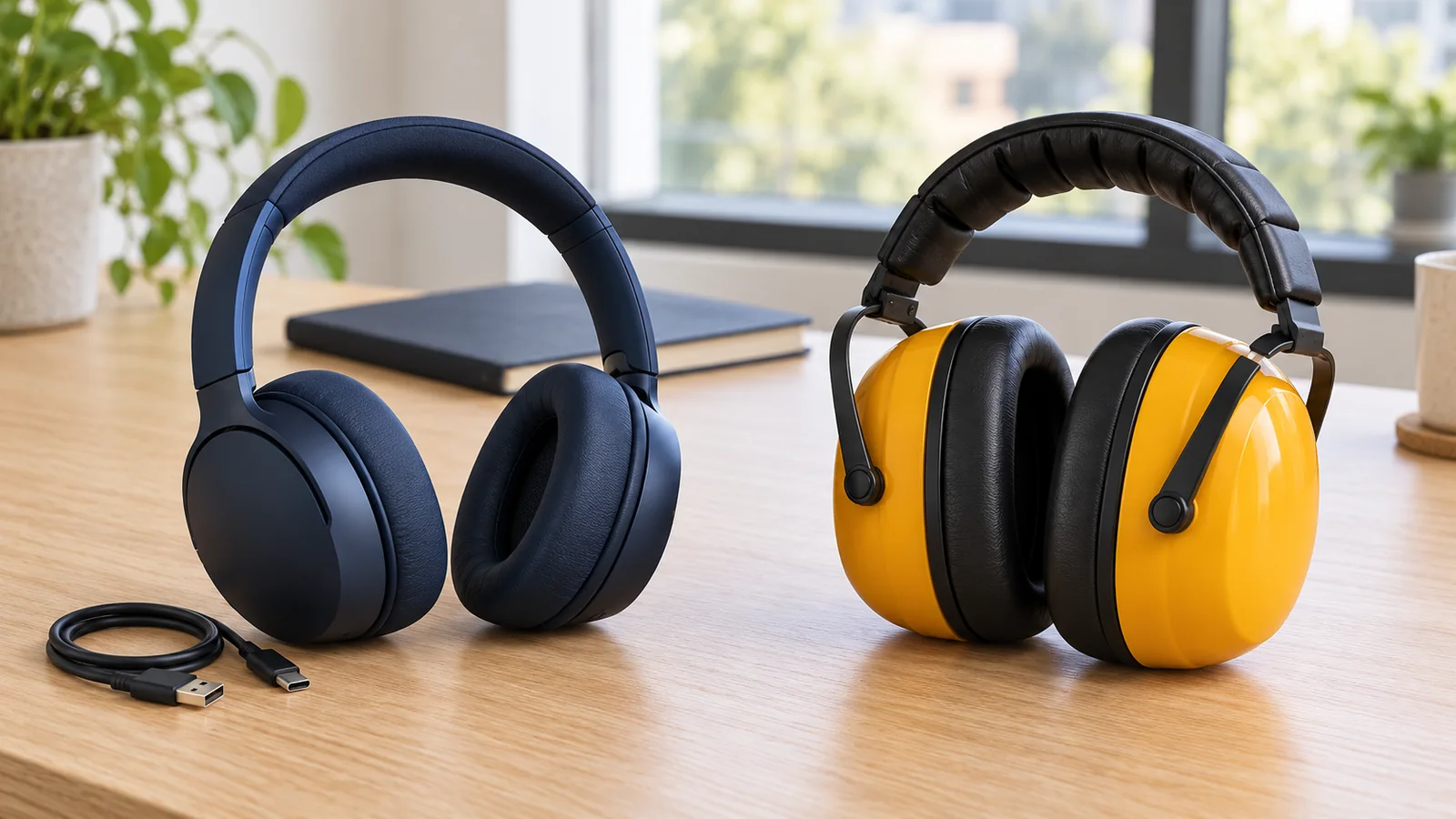
Separate sensory comfort, audio listening and protection from hazardous noise before choosing equipment.

Assistive Technology
Choose a timer around the person’s understanding, comfort and the routine it needs to explain.

Assistive Technology
Start with what the person needs to understand, then compare formats in one real part of the day.
Assistive Technology
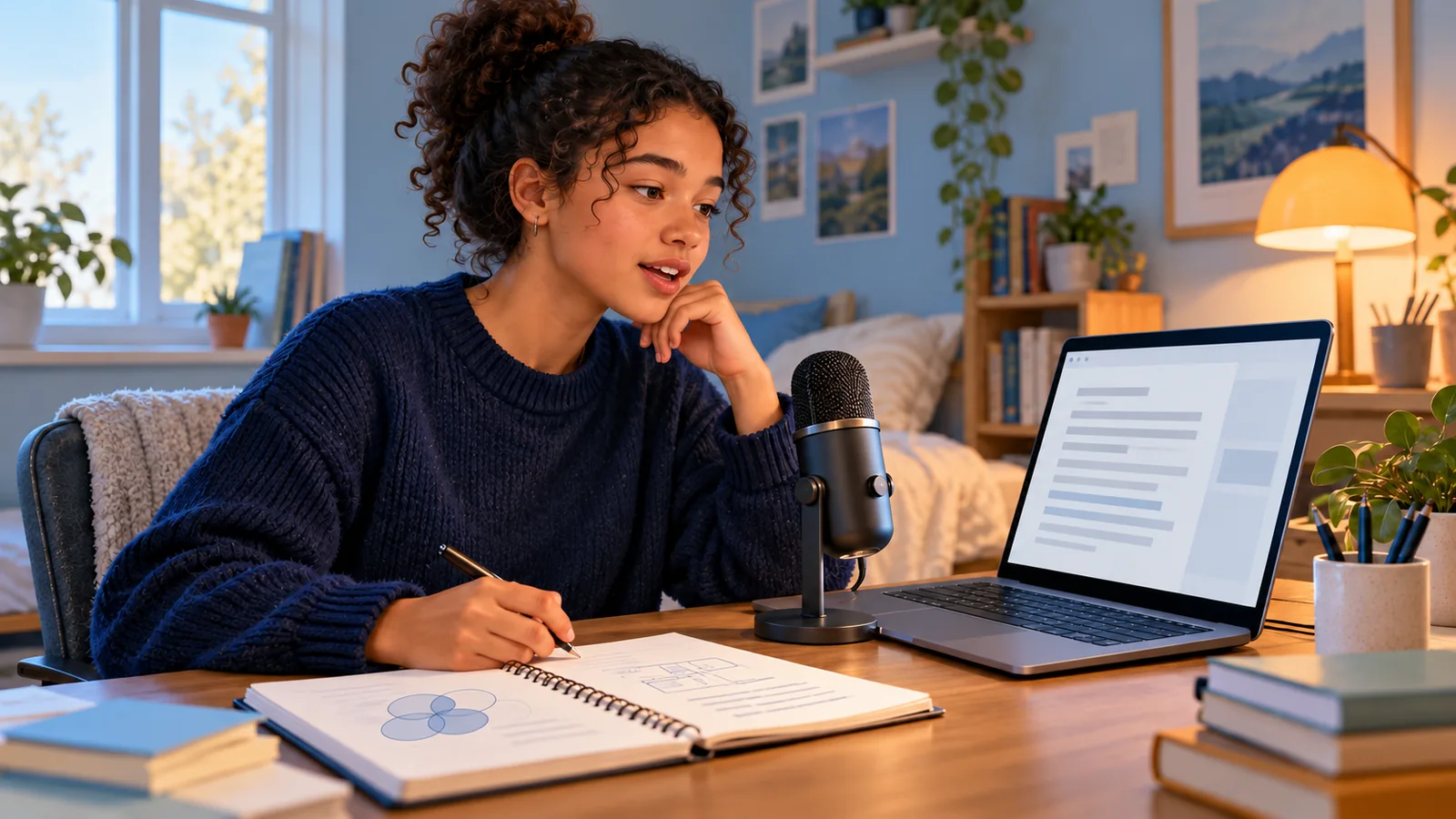
Trial the complete speech-to-text workflow, from the student’s ideas to an accurate finished draft.

Assistive Technology
Choose a reading task, test one setting at a time and check that the spoken output preserves the meaning.

Assistive Technology
Check that the communication system is usable throughout an outing, from travel to conversation.